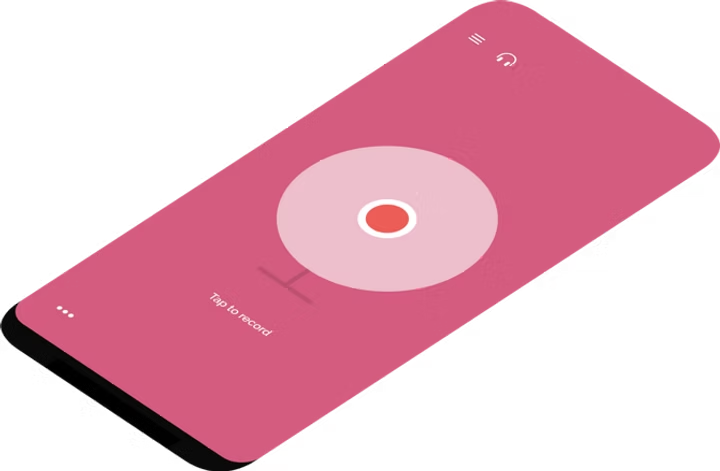
The looper that gets out of your way.
Tap once to lay down a loop, stack another, hit play. No pedal, no manual, nothing to plug in. Stack harmonies over your own voice, or build a guitar part underneath: one person in a room who suddenly sounds like four.
Catch your musical ideas, with a single tap. Quick and beautiful, record looping rhythms and jam with them, make them rich with effects or even create a full song from them.
How it works
Tap. Stack. Play.
-
1
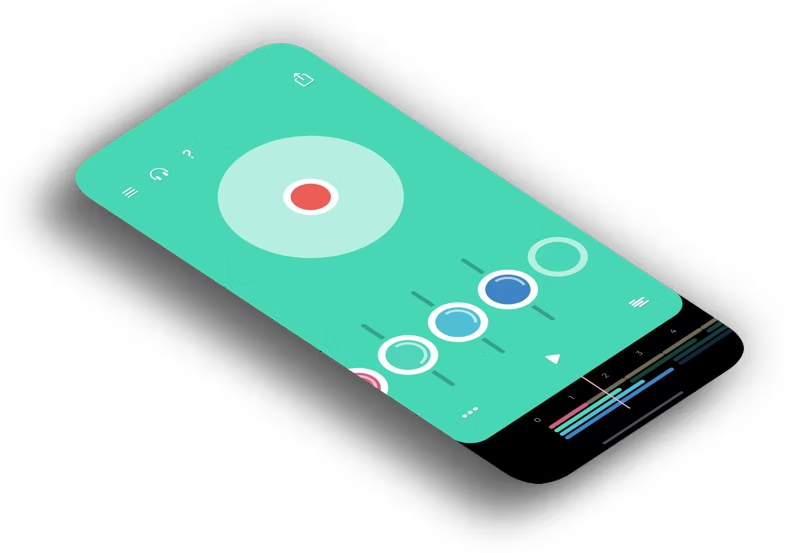
Hit record and play
Lay down your first part. Where you stop is where the loop ends, and everything after follows it.
-
2
Add the next layer
Bass over chords. A vocal over both. A beat tapped on the guitar body. Build the band one pass at a time.
-
3
Jam over the top
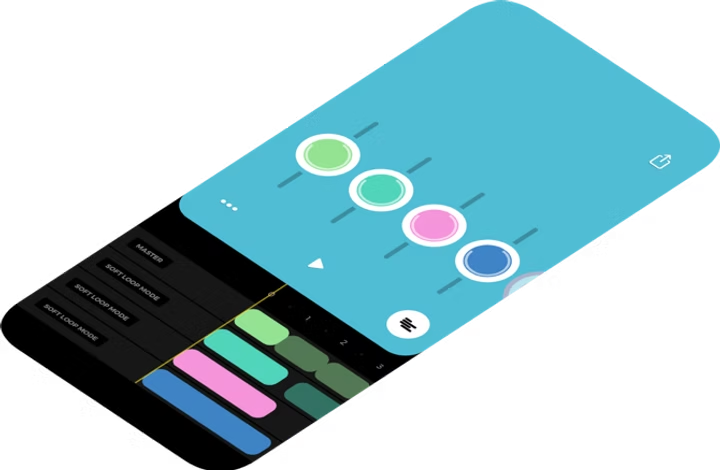
Mute parts, bring them back, solo on top. The band follows you instead of the other way around.
What it does
Everything a loop station does. None of the manual.
Smart auto-looping
Jam Looper finds the loop length for you. No counting bars, no tap-tempo dance before you start.
Four tracks, eight in Pro
Four independent loop tracks free. Unlock eight when an arrangement wants room to grow.
Four loop modes
Strict, soft, loose, or every few bars. Each track chooses how it follows the base loop, so a pad can ring on while a riff snaps back.
Metronome and tap tempo
Play to a click when you want one. Tap to set the tempo, pick a time signature from 2/4 to 7/8, or ignore it entirely and let your first take set the pace.
Effects per track
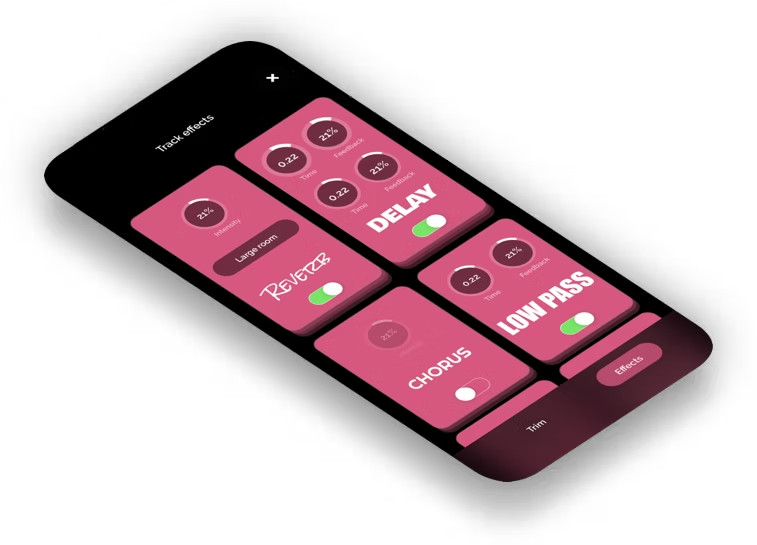
Reverb, delay, distortion, tremolo, pan, pitch shift and filters, set per track so every part sits in its own space.
Import a backing track (Pro)
Bring an audio file in from Files and loop your own parts straight over the top of it.
Export and share
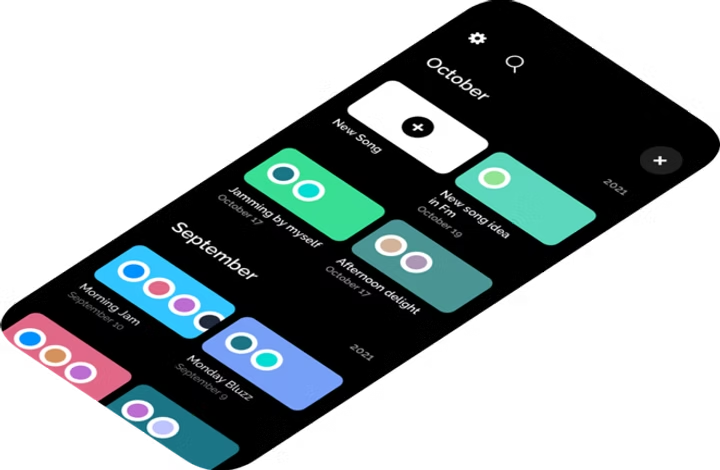
Bounce to .mp3, .m4a, .wav or .caf, publish it as a web page, or send the whole project to a collaborator.
Leave the gear behind
Your phone is the loop station.
A real loop station runs $100 to $400, ties you to cables, and punishes a late footswitch tap. Jam Looper does the same job in the thing already in your pocket, and forgives the timing for you.
Loved by people who just want to play.
Better than any other software I’ve seen. Just jam.
Wanted to loop some acoustic guitar chords and found this app — exactly what I was looking for! Super simple without too many bells and whistles. Got a loop going quickly and got jamming without faff :)
Simple, very easy to use, I didn’t even read the instructions and got it first go. This is a great substitution for the foot pedals I don’t have with me.
Free to start. Pro when you want more.
- +4 independent loop tracks
- +Smart automatic looping
- +Metronome with tap tempo
- +Export to .mp3, .m4a, .wav or .caf
- +Everything in Free
- +8 loop tracks for bigger arrangements
- +Reverb, delay, pitch shift & filters on every track
- +Import an audio file and play along
Questions, answered straight.
A look inside
Catch your music the moment it happens.
Record, stack, shape. Every screen is built to keep you playing instead of tapping through menus.